Requirements
Turkey e-Visa Photo: JPG or PNG, 200x200 px Minimum
Turkey's e-Visa portal now requires a biometric profile photo: JPG, JPEG or PNG up to 4 MB, at least 200 x 200 px, and the ICAO rules it links.

By Antoine Duno
Published 8 min read
Specs verified on September 20, 2026 against the issuing authority
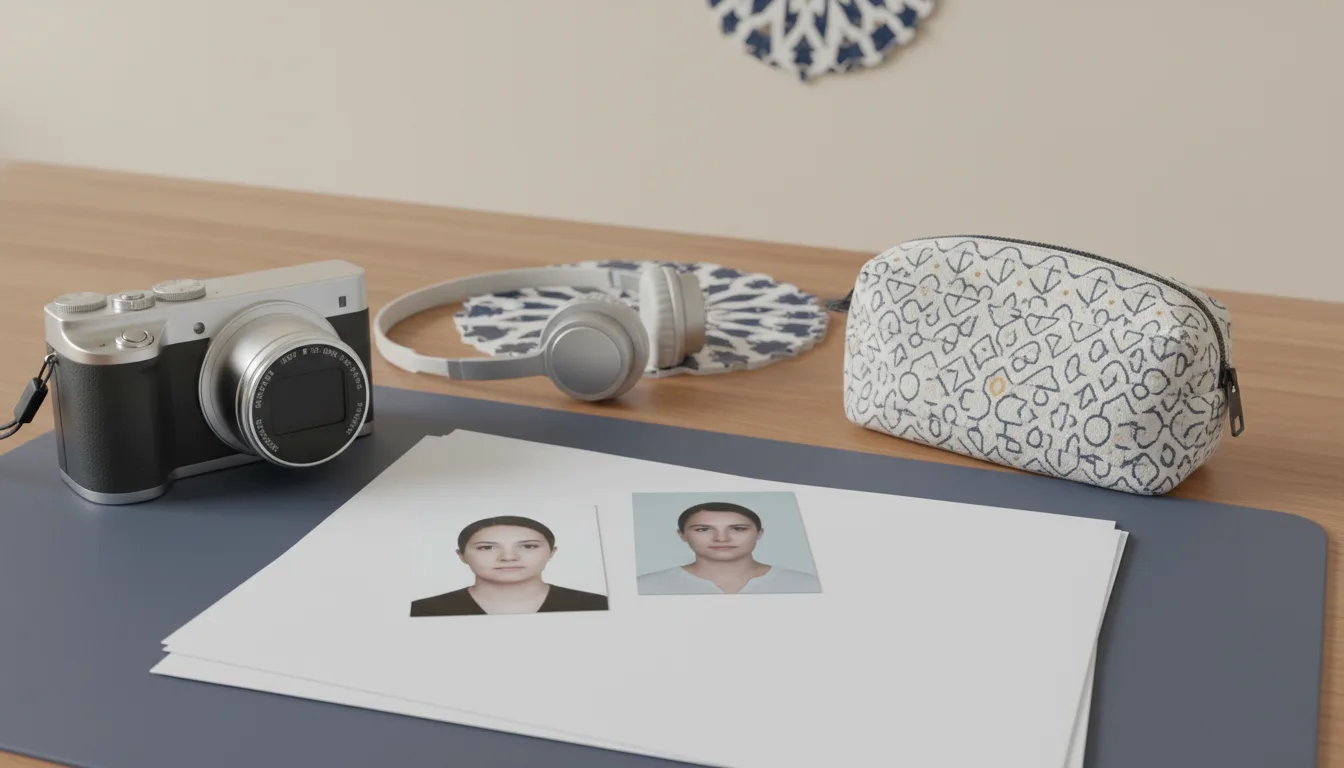
Turkey's e-Visa portal has changed. The application at evisa.gov.tr now starts with Create Profile, and the profile needs a photo. The site's own instruction text says: "A profile photo is required. Please upload a biometric photo to your profile." The file the upload box accepts is JPG, JPEG or PNG, up to 4 MB, and at least 200 x 200 pixels, and the portal checks that a face is visible in it before it lets you continue.
- Required
- Yes — a biometric photo on your profile
- Formats
- JPG, JPEG, PNG
- Maximum file size
- 4 MB
- Minimum dimensions
- 200 x 200 pixels
- Framing (portal text)
- Face centred; photo covers shoulders to top of head
- Face size (linked ICAO PDF)
- 32–36 mm, 70–80% of the photo
- Photo age (linked ICAO PDF)
- Taken within the last six months
- Background (linked ICAO PDF)
- No pattern or shadow; white for dark hair, grey for fair hair
- Expression (linked ICAO PDF)
- Neutral, mouth closed, eyes open and visible
A note on how we read this. The portal is a JavaScript application, so its pages arrive empty and fill in from the site's own content feed. On September 20, 2026 we read that feed — the text the portal itself serves to visitors — plus the photo rules its upload component enforces and the ICAO document it links to. We did not create a profile or start an application, so we have not seen the payment step.
Where the photo fits in the application
The portal's home page describes four steps: Create Profile, Upload Files, Make Payment, Download the e-Visa. The photo goes on the profile. If you try to apply without one, the portal's own wording is "A profile photo is required. Please upload a biometric photo to your profile."
The upload checks the file before accepting it. Its rules are: extension .jpg, .jpeg or .png (file type image/jpeg or image/png); size at most 4 MB; and — this is the part most third-party pages miss — at least 200 x 200 pixels. Reject an image smaller than that and the portal tells you the minimum and the size of what you uploaded. If the system cannot find a face in the picture, its message reads "Add a photo with your face clearly visible." So the portal does run a face check, not just a file check.
The framing instruction on the same screen: "Your face should be in the center of the photo, and the photo should cover the area from your shoulders to the top of your head." That is a head-and-shoulders portrait crop — the ordinary biometric shape, taller than wide.
The ICAO document the portal links to
Next to the upload, the portal offers a "View ICAO photo standards" link that opens a PDF hosted on evisa.gov.tr itself. That document is where the detail lives, and it is stricter than the file rules:
- Age: taken within the last six months, biometric, per ICAO standards. Photocopied or computer-multiplied photos are not accepted.
- Face: face and hairstyle centred and completely visible; face height between 32 and 36 mm, comprising 70 to 80% of the photograph; sharp contrast and detail.
- Pose: looking directly at the camera, eyes open and clearly visible, hair not covering the eyes; head upright, not turned; no smile or other expression; mouth closed; both sides of the face from chin to hairline fully shown.
- Background: no pattern or shadow — white if your hair is dark, midtone grey if your hair is fair.
- Light: even on the face, with no reflection, shadow or red eye.
- Glasses: eyes must be clearly visible with no reflection on the lenses; sunglasses and coloured glasses are not allowed; frames must not cover the eyes.
- Head coverings: only the kind a person wears out of necessity; the face must be visible from the tip of the chin to the forehead, no shadow on the face, and the covering must be a different colour from the background. Hats and caps are out.
- Children: nobody else and no objects in the frame.
One honest caveat: the PDF's opening line describes the photo as being for "residence permit transactions" — Türkiye reuses its ICAO photo document for the e-Visa upload. The link is the portal's own, so treat it as the operative standard, but know it was written for a different process. The hijab in a passport photo guide covers the chin-to-forehead rule generally, and glasses in passport photos explains why glare fails photos everywhere.
What the 200 x 200 minimum and 4 MB limit mean for your file
A phone photo is several thousand pixels on each side, so the 200 x 200 minimum is a floor you will pass without trying — it exists to stop thumbnails and heavily compressed copies, not to define a target. The 4 MB ceiling is the binding limit: export at JPEG quality around 85, or reduce dimensions, if a phone file overshoots it. Our passport photo file size guide explains the compression trade-offs, and digital passport photo upload covers getting a clean file into a portal in general.
The portrait crop matters more than the pixels. Keep the whole head and the top of the shoulders, centred, with a small margin above the hair. Do not pad a landscape photo with borders to make it fit, and do not stretch a square photo into a portrait — the face check is looking for a real face in a normal position. A PNG is accepted, but a JPEG is the safer choice: it is what every camera produces natively, and it cannot accidentally be a screenshot.
Who needs the photo — and who needs a visa at all
The FAQ's eligibility list covers about 50 nationalities — India, China, Egypt, Pakistan, South Africa and Vietnam among them. Citizens of the US, UK and most of the EU are not on it because they enter Türkiye visa-free for tourism; the home page's eligibility check will tell you "You are exempt from visa" before you spend anything. If your nationality needs the e-Visa, the FAQ adds three rules worth knowing: your passport must be valid at least 60 days beyond the duration of stay granted; apply at least 48 hours before departure; and the fee is only charged on an approved application, so a failed application costs nothing but a used e-Visa is never refunded. Some nationalities must also fly on Turkish Airlines, Pegasus or Onur Air, and some get multiple-entry visas — the portal shows your terms after you pick your country and travel document.
Every traveller needs their own e-Visa, and because the photo sits on a profile, each person in a family uploads their own.
If your trip continues past Türkiye, the neighbouring portals ask for different files entirely: Egypt's e-Visa lists no photo at all on its public pages, Kenya's eTA accepts "a selfie or passport-type photo", and Saudi Arabia's eVisa demands exactly 200 x 200 px. Further along the same routes, Indonesia's online visa caps both its files at 200 kb. For a document we can size and check against published rules, start with the photo tool.
- 1
Check you need an e-Visa
Run the portal's eligibility query with your passport nationality before preparing anything. Exempt nationalities are told so on the home page.
- 2
Shoot against a plain light wall
White if your hair is dark, grey if fair. Stand clear of the wall, face a window or two matching lamps, camera at eye level. Hair off the eyes, glasses off if you can.
- 3
Frame head and top of shoulders
Face centred, upright, mouth closed, looking straight at the lens. The photo should run from the shoulders to the top of the head.
- 4
Export JPG or PNG under 4 MB
At least 200 x 200 px — any normal camera crop passes. Avoid messaging-app copies and screenshots.
- 5
Upload it to your profile first
The profile photo is a prerequisite: the portal says you must complete your profile before the application continues.
Checklist before you upload
- Recent photo, taken within the last six months
- JPG, JPEG or PNG, under 4 MB and at least 200 x 200 px
- Face centred, shoulders to top of head, eyes open, mouth closed
- Plain background — white for dark hair, grey for fair hair — no shadow
- Profile completed before starting the application
- Sunglasses, tinted lenses or glare on glasses
- Hat or cap; head covering that hides chin-to-forehead edges
- A thumbnail, screenshot or chat-app copy under 200 px
- A photocopied or multiplied photo — the ICAO document bans it
- Paying a third-party site instead of evisa.gov.tr
Frequently asked questions
Does the Turkey e-Visa application need a photo?
Yes. The current portal at evisa.gov.tr works on a profile system, and its own text says a profile photo is required and asks you to upload a biometric photo. The application bar shows four steps: Create Profile, Upload Files, Make Payment, Download the e-Visa.
What file type and size does the Turkey e-Visa photo upload accept?
JPG, JPEG or PNG, with a maximum file size of 4 MB, according to the upload rules the site's own code enforces. The same code requires the photo to be at least 200 x 200 pixels and rejects smaller images with an error message naming the minimum.
What does Turkey's e-Visa portal mean by ICAO photo standards?
The upload screen links to an ICAO-standards PDF hosted on evisa.gov.tr. It asks for a biometric photo taken within the last six months, face and hair centred, face height 32 to 36 mm covering 70 to 80% of the photo, neutral expression, and no shadows or reflections.
What background does the Turkey e-Visa photo need?
The ICAO document the portal links to says the background must be without pattern or shadow: white for people with dark hair, midtone grey for people with fair hair. A plain white wall satisfies the rule for most applicants.
Can I wear a head covering in a Turkey e-Visa photo?
The portal's ICAO document allows a head covering only when the face is fully visible from the tip of the chin to the forehead, with no shadow on the face, and the covering must be a different colour from the background. Hats and caps are not permitted otherwise.
Do US or UK citizens need a Turkey e-Visa at all?
Probably not for tourism. The portal's FAQ lists the nationalities eligible for an e-Visa, and the US, UK and most EU states are not on it because they are visa-exempt. The home page runs an eligibility check that will say so before you pay anything.
Sources
Keep reading
 Requirements
 Egypt e-Visa Photo: The Portal Lists No Photo Spec
Egypt's official e-Visa portal publishes no photo requirement at all. What the pages do require, and the 2x2 in photo consulates ask for instead.
Read the guide Requirements
 UAE Visa Photo Requirements: ICP and GDRFA Rules 2026
UAE visa and residency photo rules from ICP and GDRFA Dubai: 3.5 x 4.5 cm, white background, width 35 to 40 mm, plus what neither publishes about uploads.
Read the guide Specs
Specs Passport Photo Size in Pixels: Digital Specs by Country
Passport photo size in pixels for online applications in the US, UK, Canada and India, plus how 2x2 in and 35x45 mm prints convert to pixels.
Read the guide Requirements
 India e-Visa Photo Upload: Size, Format and Fixes
The photo India's e-Visa portal accepts: square JPEG, 10 KB to 1 MB, no glasses, plain white or light background, plus fixes for the upload errors.
Read the guide Requirements
 Vietnam e-Visa Photo: 4x6 cm, JPG Under 2 MB, No Glasses
What Vietnam's official e-visa portal asks of the photo: 4x6 cm, JPG or JPEG under 2 MB, no glasses or hat, white background, and what it never states.
Read the guide Requirements
 Japan Visa Photo 2026: 45x35 mm Form, eVISA Upload
Japan's visa form says 45 x 35 mm, some embassies say 45 x 45 or 35 x 45. Which to use, and the JAPAN eVISA upload rules. Checked September 2026.
Read the guide