How-to
Toddler Passport Photo: 9 Tricks That Pass Checks
Toddler passport photo rules for the US and UK, and 9 at-home tricks that keep a 1-5 year old still, facing the lens and alone in frame. Pay at download.
By Antoine Duno
Published 10 min read
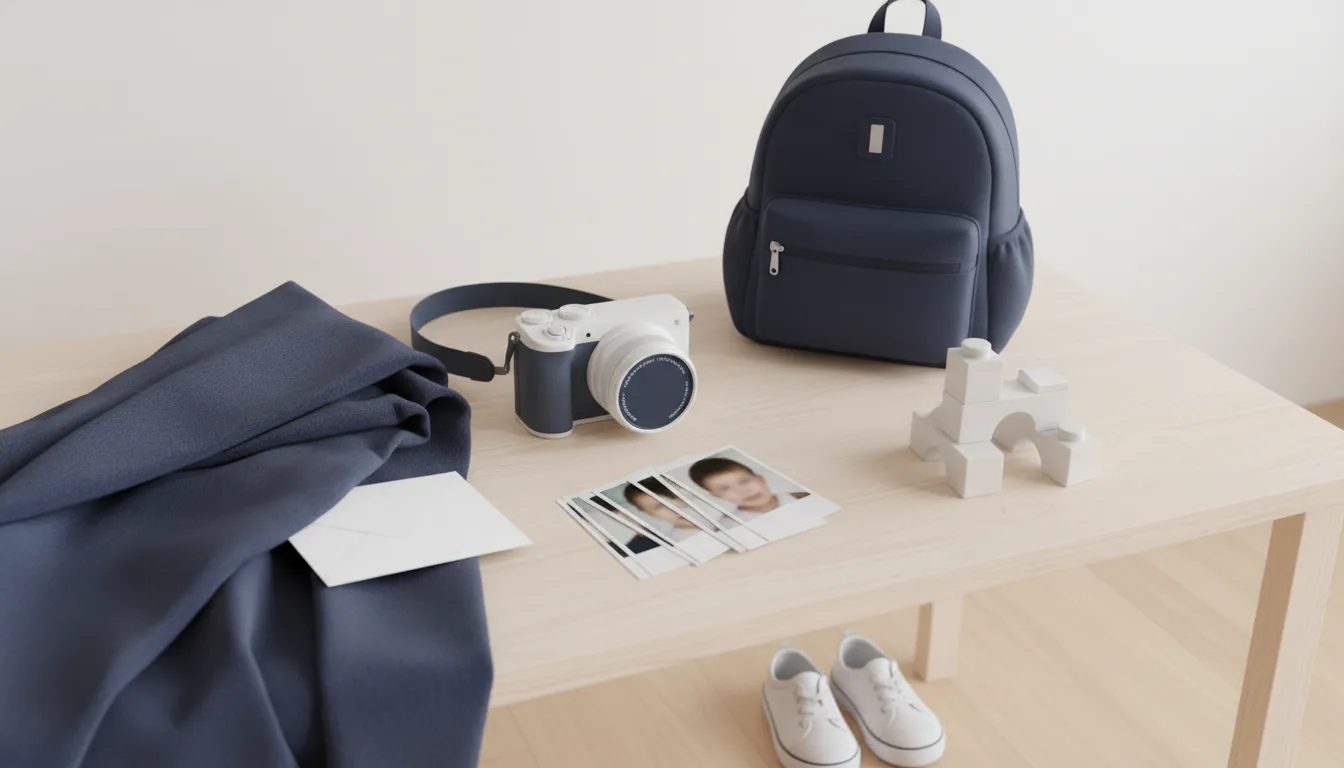
A one-year-old won't lie still on a sheet like a newborn, and a four-year-old won't hold a neutral face on request. That is the whole difficulty with toddler passport photos: the child is too big for the baby setups and too young for the adult ones, and the rules barely bend to meet them.
The good news is that the rules are about what ends up in the frame, not how you got it. A second adult behind the phone, a covered car seat, a snack break and a hundred frames are all fair game.
The US rules are quoted from the State Department's Passport Photos page (last updated March 24, 2026) and its visa photo FAQ, read on the Department's adoption.state.gov mirror because travel.state.gov blocks automated readers. The UK rules come from GOV.UK's printed and digital photo pages. All were read on September 16, 2026.
What the rules relax for a toddler, and what they don't
| Rule | US passport | US visa (DS-160) | UK passport |
|---|---|---|---|
| Eyes open | Yes; only a "baby's" may be not entirely open | Yes, and looking straight at the camera | Yes from age 1 |
| Looking at the camera | Must face the camera | Looking straight ahead | Not required under 6 |
| Expression | Neutral | Neutral | Need not be plain under 6 |
| Alone in the photo | Yes | Yes, no supporting arms or hands | Yes |
| Toys, dummies | Pacifier over the face rejected | Not specifically addressed | No toys or dummies |
| Suggested setup | White sheet, or sheet over a car seat | Same | Lying on a sheet: under 1 only |
The US line is the one to notice. The State Department's section is headed "Babies and toddlers", but its one concession, "It is okay if a baby's eyes are not entirely open. All other children must have their eyes open", is written for babies. It doesn't say at what age a baby becomes a toddler, and a sleepy-eyed two-year-old is not the child that sentence was written for. Aim for eyes fully open.
The UK is the opposite. Its under-one rules (eyes closed allowed, a hidden supporting hand, lying on a sheet) stop at the first birthday, but the under-6 rule keeps working through the toddler years: your child can glance off to the side or pull a face and the photo can still be accepted. Our UK child passport photo guide covers the rest of the UK process.
For a US visa rather than a passport, see DS-160 photos for children; the visa FAQ is stricter about eyes and gaze.
The 9 tricks
Each of these keeps the photo inside the rules above. None of them involves editing afterwards.
1. Let a covered car seat do the holding
The State Department's own suggestion: "cover a car seat with the sheet, then place your child in the car seat for the photo." A toddler who is buckled in can't wander out of frame, and the seat keeps the head upright and supported without a parent's hands anywhere near the picture. Pull the sheet over the whole head support and tuck it so no straps, buckles or padding show around the face.
If your child has outgrown the seat or refuses it, a high chair or a small chair pushed against a plain wall works the same way, as long as no chair back shows behind the head.
2. Put a second adult behind the phone, not beside the child
The visa photo FAQ is explicit that nothing supporting the child may be in the frame, "including the arms or hands of a parent holding the child." So the helper's job is attention, not holding. One adult takes the photo; the other stands directly behind the phone and makes a noise, sings, or holds a favourite toy just above the lens. The child's eyes follow the toy, and the toy is above the camera, so the gaze lands almost straight at the lens.
3. Get down to their eye level
Shooting down at a toddler from adult height tilts the face in the photo and shrinks the chin. Kneel or sit so the phone is level with your child's eyes, and hold it upright rather than angled. A face that "must face the camera" is much easier to get when the camera is where the face already is.
4. Pick the time of day, not just the place
A fed, rested toddler gives you a few calm minutes; a hungry, tired one gives you none. Set up everything first (sheet, light, phone settings, helper in place) and only then bring the child in, right after a nap or a snack. If it goes badly, stop and try again tomorrow. The US photo only has to have been taken in the last 6 months, so there is time.
5. Use window light and turn off the flash
The State Department says the image must not have shadows and asks you not to submit photos with red eye; the fix it gives for red eye is a retake, not an edit. A flash at toddler distance is the quickest way to get both. Put the car seat facing a large window in daylight so light falls evenly on the face, and check there's no bright window behind the child.
6. Shoot bursts, from a little further back
Toddlers move constantly, and blur is one of the State Department's rejected child examples; its tip is a shorter exposure or a steadier camera. Good light gives you the first, resting your elbows on a table the second. Then hold the shutter for bursts.
Don't zoom in and don't crowd the child. Frame the head and shoulders with some margin all round, because the crop happens later, and a head cut off at the top can't be uncut.
7. Take the pacifier, the snack and the hair clip away last
Among the State Department's unacceptable examples: "The child's pacifier blocks a portion of the face" and "The child's face is blocked by hands." GOV.UK says babies must not hold toys or use dummies. So the pacifier comes out, sticky hands get wiped, and anything near the face goes: bibs, hoods, large bows, hats. Do it a few seconds before you shoot, not five minutes before.
8. Play "statue" for the neutral face
For a US passport the expression must be neutral, and the Department rejects "an exaggerated facial expression." You can't instruct a two-year-old into that, but you can catch it. Toddlers go still and serious for a moment right after they stop laughing, or while they're concentrating on something. Get a laugh from the helper behind the phone, then go quiet and shoot as the face settles. For a UK photo of a child under 6 this matters less, since GOV.UK says the expression need not be plain.
9. Dress for contrast with the white sheet
The US background must be plain white or off-white, with nothing in the child's face or around it. A white T-shirt against a white sheet makes the outline of the shoulders disappear, which makes it harder to judge framing. A plain coloured top separates the child from the background. Skip busy prints near the neckline, and anything with a hood.
Check the frame before you print
Scroll through the burst at full size and pick the best one against this list:
- Child alone: no parent's hand, arm, shoulder or face anywhere
- Face toward the camera, head straight, full face visible
- Eyes open (a US passport allows otherwise only for a baby)
- Neutral expression, mouth closed, for a US photo
- Plain white or off-white sheet, no straps, padding or chair back showing
- Sharp, evenly lit, no shadow on the face, no red eye
- Pacifier, toy, snack or fingers near the mouth
- Head cut off at the top, or a tiny head from a full-body shot
- A hand, shadow or strap removed with an app afterwards
The last one is the trap with toddlers, because you'll often get a frame that is perfect apart from one small thing. The State Department says to submit "the original, unedited photo without filters or digital changes" and that it checks photos for artificial intelligence tools. Cropping and resizing are fine; painting out a thumb is not. Our guide to AI-edited passport photos covers where the line sits.
From burst to print
- 1
Pick the frame on a big screen
Phone previews hide blur and half-closed eyes. Open the best three at full size and compare them against the checklist.
- 2
Crop to the document's size
2 x 2 in for a US passport or visa, with the head 1 to 1 3/8 in from chin to the top of the head. 35 x 45 mm for a printed UK photo, with the crown-to-chin height between 29 and 34 mm.
- 3
Leave the pixels alone
Crop and resize only. No brightening the face, no smoothing the sheet, no removing a strap.
- 4
Print at actual size
For the US, photo-quality paper at 100% scale so the squares stay 2 x 2 in. For a printed UK photo, GOV.UK asks for a professional-standard print on plain white photographic paper.
- 5
Measure one print with a ruler
Check the photo size and the head height before you go to the appointment.
Where our tool fits, honestly
We can't make your toddler sit still, and we don't retouch faces, remove hands or repaint backgrounds, because the passport rules treat all of that as an alteration.
What our photo tool does is the measurable part. It finds the face, crops to the US or UK format with the head inside the required range, and checks head tilt, eye line, background evenness, sharpness and exposure. If it finds a second face in the frame, such as a parent leaning in, it tells you. It does not detect hands, toys or a pacifier, so look for those yourself using the checklist above. Checking is free; you pay only at download, with no subscription, and we offer a full refund within 14 days, for any reason, and still refund it if the office rejects the photo later for something we measure (size, head height, background, file format) (refund terms).
The general at-home setup for adults, which the car seat trick borrows from, is in our pillar guide on how to take a passport photo at home. If your child is still under one, the lying-down setup in baby passport photos is easier than anything here. And for making a sheet look properly white without shadows, see white background passport photos.
Applying for a US passport for a toddler
The State Department's child application page sets out the parts that trip parents up on the day:
- A child under 16 applies in person, and "both parents or guardians must be present"; if that isn't possible, extra documents are required.
- You provide one photo, and "do not attach or staple your child's photo to the form." The acceptance agent reviews it and staples it.
- Children's passports are valid for 5 years, and "you cannot renew a child's passport." Each passport means a new application and a new photo.
That last point is why the at-home setup is worth getting right once. You'll be doing it again before your child starts school.
Frequently asked questions
Do a toddler's eyes have to be open in a US passport photo?
Yes. The State Department says it is okay if a baby's eyes are not entirely open, but all other children must have their eyes open. It doesn't define where baby ends, so for a walking, talking toddler plan on open eyes. US visa photos are stricter still: a child's eyes must be open and looking straight at the camera.
Can I hold my toddler for a passport photo?
Not where it shows. The State Department says no other person can be in the photo, and its visa photo FAQ adds that nothing supporting the child, including a parent's arms or hands, may be in the frame. A car seat or chair covered with a plain white or off-white sheet does the holding instead.
Does my toddler need a neutral expression?
For a US passport, yes: the State Department says the child's facial expression must be neutral, and it rejects an exaggerated expression. The UK is gentler: GOV.UK says children under 6 do not have to look directly at the camera or have a plain expression. Everything else, including being alone in the photo, still applies.
Can my toddler hold a toy or have a pacifier in the photo?
No. A State Department example rejects a photo where the child's pacifier blocks part of the face, and GOV.UK says babies must not hold toys or use dummies. Use the toy behind the camera to catch your child's attention instead, and take the pacifier out a few seconds before you shoot.
Can I take my toddler's passport photo at home?
For a US passport, yes. The State Department lists a friend or family member as an acceptable source of passport photos. The print must still meet every rule. For a UK online application you can use your own device, but a printed UK photo must be printed to a professional standard.
Can I edit a nearly perfect toddler photo?
Only crop and resize it. The State Department asks for the original, unedited photo without filters or digital changes and says it checks photos for AI tools. Removing a hand, a toy, a shadow or a stain on a shirt is a digital change. With a toddler, taking twenty more frames is quicker than arguing about an edit.
Sources
- U.S. Department of State - Passport Photos, including Babies and toddlers (last updated March 24, 2026; read on the adoption.state.gov mirror)
- U.S. Department of State - Apply for a Child's Passport Under 16
- U.S. Department of State - Visa Photo Frequently Asked Questions (children and infants)
- GOV.UK - Get a passport photo: Printed photos
- GOV.UK - Get a passport photo: Digital photos
Keep reading
 How-to
How to Take a Passport Photo at Home (Step-by-Step, 2026)
How to take a passport photo at home with your phone: which countries allow it, lighting, background, posing, printing and common rejection causes.
Read the guide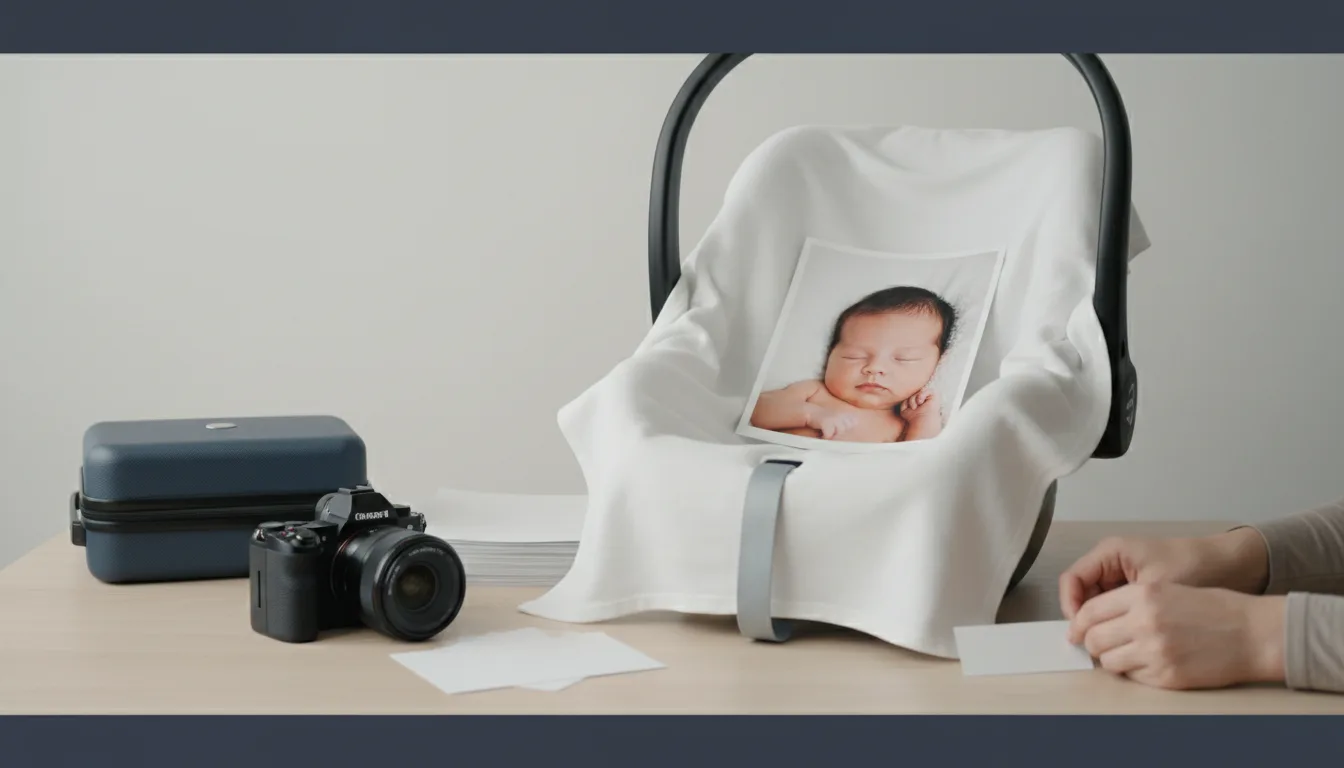 How-to
Baby Passport Photo at Home: US Rules for Newborns
US passport photo rules for babies, quoted from the State Department: eyes can be partly closed, no hands in frame, white-sheet and car-seat setups.
Read the guide Requirements
DS-160 Photo for a Child: Rules for Kids and Infants
DS-160 photo rules for children and babies: same 600x600 to 1200x1200 JPEG, eyes open even for newborns, no hands in frame, one photo per child. Sourced.
Read the guide How-to
Printing Passport Photos: 5 Options Compared
Where to print a passport photo file: same-day counter, kiosk, mail-order lab, store photo or studio, and the countries that refuse your own print.
Read the guideCostsPassport Photo Online vs PhotoAiD: One Company, Two Sites
Passport Photo Online and PhotoAiD are both run by PhotoAiD S.A. Prices, expert review, guarantee and terms compared, plus cheaper alternatives.
Read the guideCostsPhotoAiD Alternative: 7 Passport Photo Tools Compared
PhotoAiD alternatives compared from each tool's own pages: price, human review, background edits, mailed prints, refunds. Checked October 6, 2026.
Read the guide