Specs
2x2 Photo Size: Inches, mm and Pixels Explained
A 2x2 photo is 2 x 2 inches, 51 x 51 mm, 600 x 600 px at 300 DPI. The head-size window inside it, the documents that use it, and how to print it right.

By Antoine Duno
Published 7 min read
Specs verified on September 16, 2026 against the issuing authority
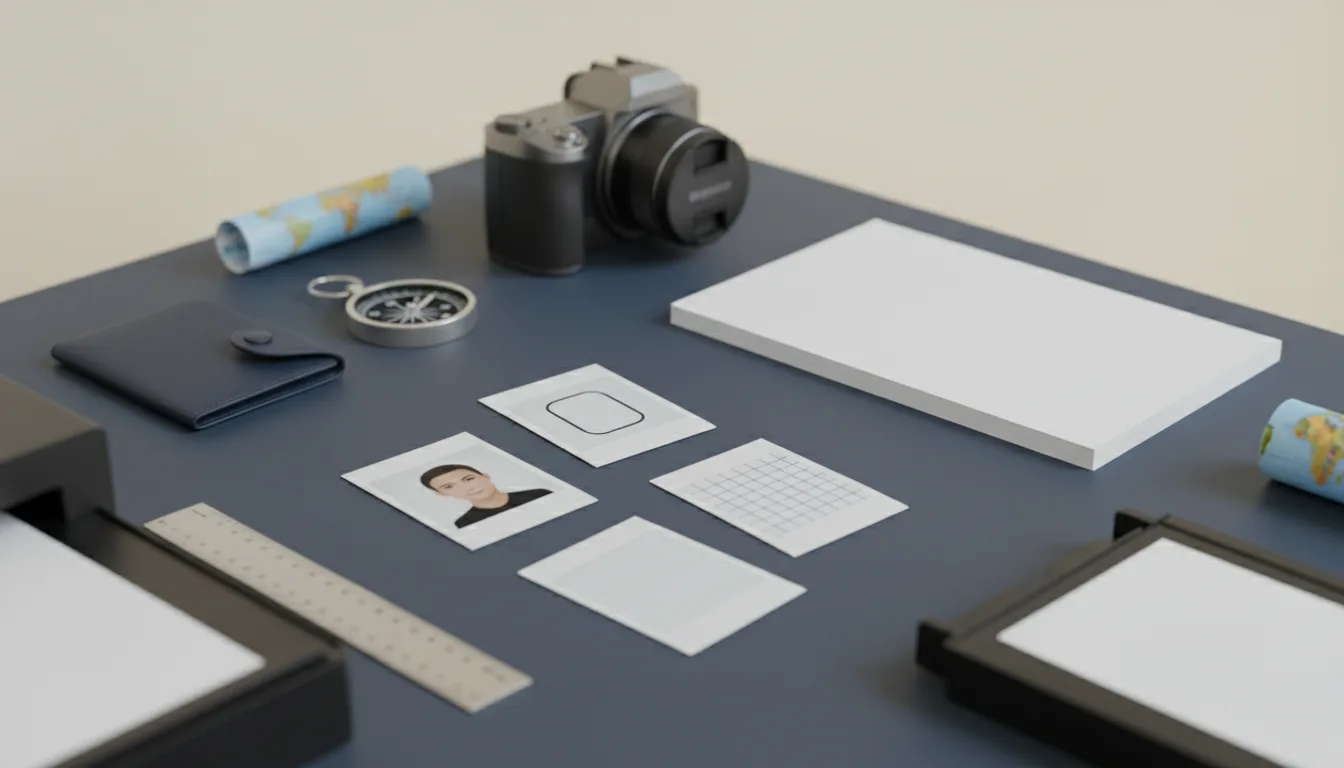
"2x2" is shorthand for the US passport photo, and the number hides three separate measurements: the size of the paper, the size of your head inside it, and, for online forms, the pixel count. Get the first right and the second wrong, and the photo still fails.
The US figures come from the State Department's passport photo page and its visa photo pages, read on the adoption.state.gov mirror on the date in the table.
- Print size
- 2 x 2 in (51 x 51 mm)
- Exact metric
- 50.8 x 50.8 mm (5.08 cm)
- At 300 DPI
- 600 x 600 px
- At 600 DPI
- 1200 x 1200 px
- Head, chin to top of head
- 1 to 1 3/8 in (25-35 mm)
- Eye height from bottom
- 1 1/8 to 1 3/8 in (28-35 mm)
- Digital head height
- 50-69% of image height
- Digital eye height
- 56-69% of image height
- US visa digital file
- Square JPEG, 600-1200 px, 240 kB max
Inches, millimetres, centimetres
One inch is exactly 25.4 mm, so 2 inches is 50.8 mm. The State Department rounds that to 51 x 51 mm on its passport page and its visa page. The 0.2 mm difference is thinner than a cut line, and nobody measures a print that finely; use whichever unit your ruler has.
| Unit | 2x2 photo |
|---|---|
| Inches | 2 x 2 |
| Millimetres (official) | 51 x 51 |
| Millimetres (exact) | 50.8 x 50.8 |
| Centimetres | 5.08 x 5.08 |
Pixels depend on DPI
A print has no pixel size of its own. Pixels become inches only through resolution, and the arithmetic is one multiplication: inches x DPI.
| Resolution | Pixels for 2 x 2 in |
|---|---|
| 300 DPI | 600 x 600 |
| 400 DPI | 800 x 800 |
| 600 DPI | 1200 x 1200 |
300 DPI is the figure that matters, because the State Department uses it. Its visa photo pages say an existing 2 x 2 inch print must be "scanned at a resolution of 300 pixels per inch (12 pixels per millimeter)", which is how you land on 600 x 600. The DS-160 then accepts square images from 600 x 600 up to 1200 x 1200 pixels, 240 kB or less. For every other portal's pixel rules, see our passport photo size in pixels guide.
A 600 x 600 pixel file that isn't tagged at 300 DPI can print at the wrong size if the printing software reads a different resolution from it. Print at 100% scale either way.
The head-size window inside the square
The square is the easy part. What reviewers measure is the head. The State Department's photo composition template gives it for both formats:
- Printed: head "1 inch to 1 3/8 inches (25 mm - 35 mm)"; eyes "between 1 1/8 inches to 1 3/8 inches (28 mm – 35 mm) from the bottom".
- Digital: head "between 50% and 69% of the image's total height"; eyes "between 56% and 69%".
Those percentages aren't a separate rule. They are the inch rule divided by 2 inches: 1 ÷ 2 is 50%, 1 3/8 ÷ 2 is 68.75%, and 1 1/8 ÷ 2 is 56.25%. So in a 600 x 600 file, the head runs from 300 to about 412 pixels tall, and the eyes sit between about 338 and 412 pixels up from the bottom edge.
Head height is measured from the bottom of the chin to the top of the head, including hair, on the US visa rules. The easy way to miss the window is standing far back and cropping a square that includes half the room: the head ends up under 50%.
Which documents use 2x2
| Document | Format | Notes |
|---|---|---|
| US passport (paper forms) | 1 printed 2 x 2 in photo | Matte or glossy photo-quality paper, taken in the last 6 months |
| US immigrant visa (DS-260) | 2 identical 2 x 2 in prints | Brought to the interview |
| US visa (DS-160) | Digital, square, 600-1200 px | 240 kB or less; uploaded inside the form |
| US DV lottery entry | Digital, 600 x 600 px | A scanned print must be 2 x 2 in at 300 ppi |
| Indian passport applications, High Commission of India in Ottawa | 2 x 2 in (51 x 51 mm) print | Head 1.4 to 1.6 in (35-40 mm), top of hair to chin |
| OCI card | Square 2x2 format | See our OCI photo requirements guide for the portal limits |
The Ottawa row shows why "2x2" alone isn't a specification. The High Commission of India's photo guidelines use the same 2 x 2 inch square as the US but ask for a head of 1.4 to 1.6 inches, 35 to 40 mm, which starts where the US range ends. A photo framed for a US passport can be too small for that form. Same paper, different face.
US immigration forms filed with USCIS are a separate case, because USCIS changed how it collects photos in December 2025; our US immigration photo guide covers which forms still ask for prints. The full US passport rules, from background to glasses, are in US passport photo requirements.
Documents that look similar but aren't 2x2
Most of the world uses a smaller rectangle. The UK, Schengen countries and India's domestic passport forms use 35 x 45 mm, Australia 35-40 x 45-50 mm, and Canada 50 x 70 mm. A 2x2 print can't be trimmed into a 35 x 45 photo: it's 16 mm too wide and 6 mm too short, and the head would be framed for the wrong proportions. The rectangle format is explained in 35x45 photo size, and every country's size is in passport photo sizes by country.
Printing 2x2 photos on a 4x6 sheet
A standard 4 x 6 inch photo print is 1800 x 1200 pixels at 300 DPI. Two 600 x 600 photos fit side by side with room to spare, which is the cheapest way to get prints from a photo counter.
- 1
Start from a square 600 x 600 photo
Head 50-69% of the height, eyes 56-69% up from the bottom, on a plain white or off-white background.
- 2
Place it on a 1800 x 1200 pixel canvas
Paste each copy at 100%, without resizing. Leave a small gap between photos so you can cut cleanly.
- 3
Save as a high-quality JPEG
Don't compress a print file to hit a byte limit; that limit only applies to upload portals.
- 4
Order a normal 4 x 6 print
Turn off any auto-crop, fit or enhance setting in the ordering app. Those scale the image and move the head out of range.
- 5
Measure before cutting
Each photo should be 51 mm on a side, the head 25-35 mm. If it isn't, the print was scaled; reorder rather than trim.
Our guide to printing passport photos compares photo counters, kiosks and labs.
The tool doesn't have a preset for the Ottawa High Commission's 35-40 mm head size, so for Indian mission forms, measure the printed head yourself. For US documents, start with a photo taken against a plain white wall.
Frequently asked questions
How big is a 2x2 photo in mm and cm?
A 2x2 photo is 2 inches by 2 inches, which the U.S. Department of State writes as 51 x 51 mm. The exact conversion is 50.8 mm, or 5.08 cm, on each side; official pages round it to 51 mm. The photo is square, so width and height are always the same.
How many pixels is a 2x2 photo?
At 300 DPI, a 2x2 inch photo is 600 x 600 pixels, and at 600 DPI it is 1200 x 1200. That matches the US visa rules: the State Department accepts square digital images from 600 x 600 to 1200 x 1200 pixels, and asks for a scanned 2 x 2 inch print to be scanned at 300 pixels per inch.
How big should the head be in a 2x2 photo?
For US passport and visa photos, 1 to 1 3/8 inches (25 to 35 mm) from the bottom of the chin to the top of the head, with the eyes 1 1/8 to 1 3/8 inches from the bottom. In a digital image that becomes 50 to 69 percent of the height for the head and 56 to 69 percent for the eyes.
Is a 2x2 photo the same as a passport photo?
Only for some documents. It is the US passport and US visa print size, and some Indian missions use it. The UK, Schengen countries, Australia and India's own passport forms use photos around 35 x 45 mm, and Canada uses 50 x 70 mm. Check the document before printing.
Can I print a 2x2 photo on a 4x6 sheet?
Yes, as long as each photo stays at its true size. Place the 600 x 600 pixel photos on a 1800 x 1200 pixel canvas, which is 6 x 4 inches at 300 DPI, and order it as a normal 4 x 6 print with any crop or fit option turned off. Measure one photo with a ruler before cutting.
Sources
- U.S. Department of State - Passport Photos (last updated March 24, 2026; read on the adoption.state.gov mirror)
- U.S. Department of State - Photo Requirements for visas (read on the adoption.state.gov mirror)
- U.S. Department of State - Digital Image Requirements (read on the adoption.state.gov mirror)
- U.S. Department of State - Photo Composition Template (read on the adoption.state.gov mirror)
- High Commission of India, Ottawa - Photo specification (PDF)
Keep reading
 Requirements
Passport Photo Sizes by Country: 2026 Table
Passport photo size by country in mm, inches and pixels, with head heights and backgrounds. Ten authorities, every figure checked on the official page.
Read the guide Specs
Passport Photo Size in Pixels: Digital Specs by Country
Passport photo size in pixels for online applications in the US, UK, Canada and India, plus how 2x2 in and 35x45 mm prints convert to pixels.
Read the guide Requirements
US Passport Photo Requirements (2026): Complete Checklist
Every US passport photo rule in one checklist: 2x2 inch size, head height, white background, expression, glasses, head coverings and online renewal.
Read the guide Specs
Passport Photo File Size: Get Under Any KB Limit
KB limits for the US visa, DV, US renewal, UK, Canada, Ireland, India visa and OCI portals, and how to hit them without a blurry photo. Pay at download.
Read the guide Specs
Passport Photo DPI: 300 vs 600 and When It Matters
Passport photo DPI explained: which official pages set one (few do), what 300 ppi means for a 2x2 print or scan, and why 600 can break a DV entry.
Read the guide How-to
Printing Passport Photos: 5 Options Compared
Where to print a passport photo file: same-day counter, kiosk, mail-order lab, store photo or studio, and the countries that refuse your own print.
Read the guide